How to Create Unlimited LinkedIn Accounts for Outreach and Lead Generation
The exact method to create clean LinkedIn accounts at scale — plus the two professional alternatives that skip all of this: buying aged ID-verified accounts outright or renting pre-warmed profiles with Sales Navigator already included.
Quick Answer
- The method: clean email + dedicated residential proxy + isolated browser profile = one LinkedIn account. But LinkedIn is the hardest platform to scale — phone verification, strict behavior limits, and real-name enforcement make fresh accounts significantly weaker than aged ones
- Two better options exist: buy aged ID-verified LinkedIn accounts outright (one-time cost, you own them forever) or rent pre-warmed ID-verified profiles monthly (Sales Navigator included free, replacement guaranteed)
- The key difference between buy and rent: buying gives you permanent ownership; renting gives you a ready-to-use warmed profile with Sales Navigator and no upfront account setup — ideal for agencies
- After any first login: wait 24 hours before any outreach activity — the 24-hour rest rule applies to LinkedIn accounts in new environments just like every other platform
Why LinkedIn Account Creation Is Harder Than Every Other Platform
LinkedIn enforces real identity more aggressively than any other major social network. New accounts face phone verification requirements, strict connection limits, and behavioral monitoring from day one. Fresh accounts that start sending connection requests immediately get flagged as spam and restricted — sometimes permanently — before they’ve sent a single message.
LinkedIn also uses device fingerprinting, IP tracking, and behavioral velocity analysis simultaneously. Two accounts created from the same IP or browser environment are linked in LinkedIn’s systems, and a restriction on one puts the other at risk. The platform is not designed for multi-account operation — which is exactly why the right infrastructure and account sourcing make the difference between campaigns that scale and accounts that get banned within days.
The 3-Part Setup for Every LinkedIn Account
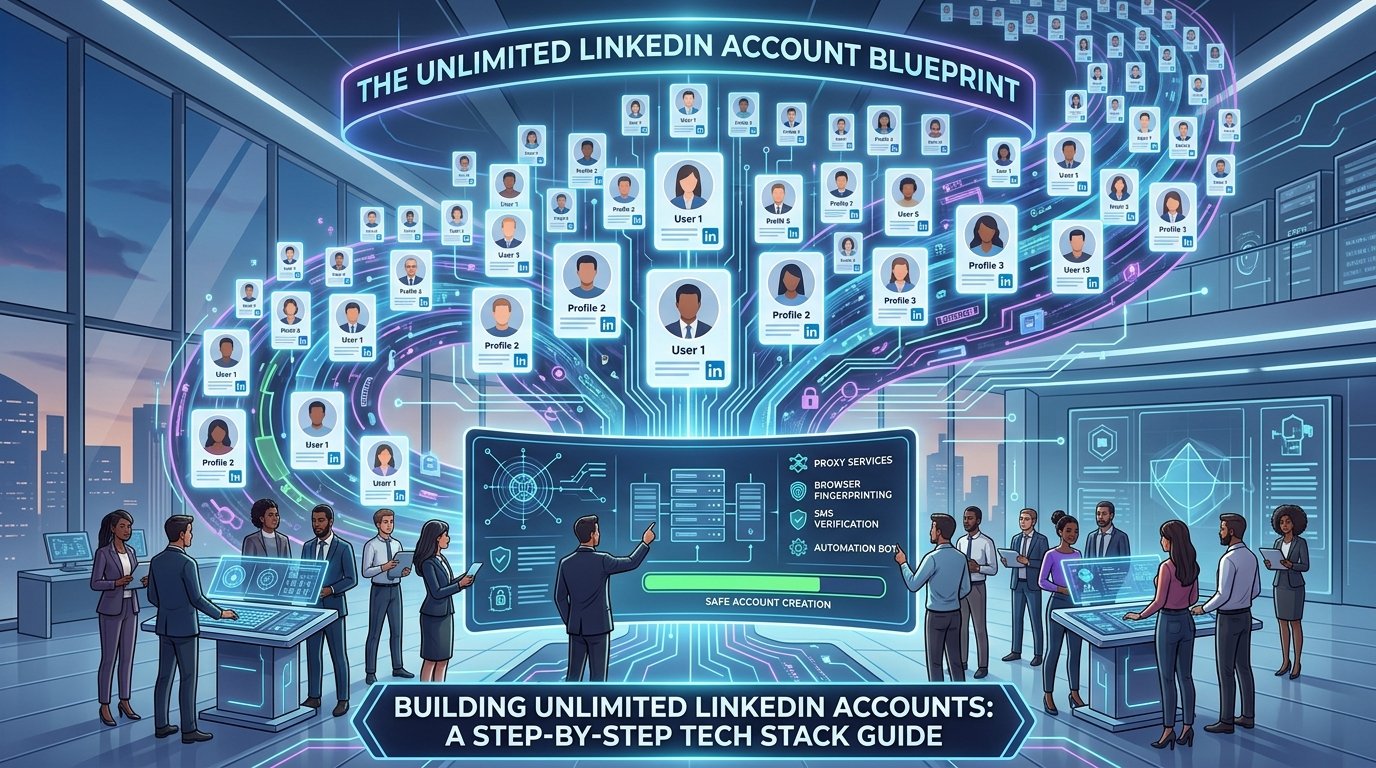
Each LinkedIn account needs three components in place before you touch the signup page. LinkedIn’s detection is sophisticated — it combines IP tracking, device fingerprinting, and behavioral analysis simultaneously.
| Component | What It Does | Where to Get It | Cost |
|---|---|---|---|
| Clean Email | One dedicated Gmail or Outlook per account | Create free, or buy aged Gmail accounts | Free or from 8€ |
| Residential Proxy | Unique IP — LinkedIn’s primary cross-account signal | webshare.io | ~$1/proxy |
| Antidetect Browser | Unique device fingerprint per account | hidemyacc.com | From $10/mo |
How to Create LinkedIn Accounts at Scale — Step by Step
Every LinkedIn account needs its own dedicated email address. LinkedIn uses email as a primary identity anchor — and accounts registered to the same email domain or similar email patterns can be flagged as coordinated. At scale, managing many fresh inboxes gets operationally heavy. Aged Gmail accounts from a specialized source save setup time and carry inbox history that LinkedIn’s registration process treats more favorably than brand-new addresses.
- Create a new Gmail (gmail.com) or Outlook (outlook.com) account — free, one per LinkedIn account
- Use completely different names and details for each email — avoid naming patterns across accounts
- Alternatively, buy aged Gmail accounts from coldaccs.com — 2+ years old, registered from different country IPs
- Never reuse the same email across multiple LinkedIn accounts
LinkedIn logs every IP address associated with each account and flags accounts that share IPs with multiple profiles or log in from datacenter addresses. Every account needs its own dedicated residential proxy — the same one used consistently for every single session. Swapping proxies mid-campaign is one of the clearest signals of account takeover that LinkedIn’s security systems are trained to detect.
- Go to webshare.io and select Private Static Residential Proxies
- Buy the exact number of proxies you need — 10 LinkedIn accounts = 10 proxies
- Match the proxy country to the LinkedIn account’s target geography for best results
- Never swap the proxy on an active account — IP consistency is critical for LinkedIn’s trust system
- Never share a proxy between two LinkedIn accounts
LinkedIn fingerprints browser environments in addition to tracking IP addresses. Canvas signature, WebGL renderer, screen resolution, installed fonts, and timezone all create a device identity that LinkedIn uses to link accounts sharing similar signals. An antidetect browser creates completely isolated profiles so each account appears to come from a different physical device, regardless of how many you manage simultaneously.
- Get HideMyAcc from hidemyacc.com — start with the free trial
- Create one browser profile per LinkedIn account — label each clearly by client or campaign name
- Assign the matching residential proxy to each browser profile before any login
- Never open two LinkedIn accounts from the same browser profile
With your proxy active and browser profile configured, open the HideMyAcc profile and sign up to LinkedIn using the dedicated email. Use a realistic full name — LinkedIn enforces real-name policies and accounts with obviously fake names get flagged faster. Complete the full profile before doing anything else: headline, experience, profile photo, and location all contribute to how LinkedIn’s systems evaluate account legitimacy.
- Open the HideMyAcc browser profile with the assigned proxy active before signing up
- Go to linkedin.com and create an account using the dedicated email address
- Use a realistic full name — LinkedIn’s real-name enforcement is stricter than any other platform
- Complete the full profile: photo, headline, location, and at least one experience entry
- Verify the account through email when prompted
- If LinkedIn requests phone verification, use a separate SIM or virtual number for each account
After account creation, LinkedIn’s systems register the new IP and device environment. That environment needs 24 hours to settle before any outreach activity begins. LinkedIn is particularly sensitive to new accounts that immediately start sending connection requests — this is the primary pattern that triggers early account restrictions and SSC (Social Selling Credit) lockdowns on fresh profiles.
- Log in once after signup to confirm the account is active
- Browse the feed briefly — passive engagement looks normal
- Do not send connection requests, InMails, or messages
- Do not change profile settings immediately after creation
- Leave the browser profile running but don’t engage aggressively with the account
- Wait the full 24 hours before any warmup activity begins
LinkedIn enforces weekly connection limits more tightly than any other major platform. Fresh accounts start at very low limits — typically 20 to 30 connection requests per week — before LinkedIn’s trust system raises the ceiling over time. Pushing beyond those limits early is the most reliable way to get an account flagged for spam. Build up volume slowly over 2 to 4 weeks before reaching full outreach capacity.
- Days 1 to 3 after rest: browse the feed, like posts, follow company pages — no connection requests yet
- Days 4 to 7: send 5 to 10 personalized connection requests per day to warm, relevant profiles
- Week 2: scale to 15 to 20 connection requests per day as the account builds trust
- Week 3 onwards: scale to 30 to 50 per day — stay under 100 to 150 per week total as a safe ceiling
- Never send identical messages to multiple prospects — LinkedIn’s spam detection catches template patterns
- Run everything from a VPS so the account maintains consistent 24/7 uptime and IP environment
Skip All of This — Buy or Rent LinkedIn Accounts from coldaccs.com
The creation method above works — but LinkedIn’s account creation friction, phone verification requirements, real-name enforcement, and slow trust-building process make fresh accounts significantly more difficult to scale than on Instagram, Facebook, or X. There are two professional alternatives that skip most or all of this process: buying aged ID-verified accounts outright, or renting pre-warmed ID-verified profiles monthly.
Both options give you accounts that LinkedIn’s systems already treat as established, legitimate users — which means lower restriction rates, faster access to full connection limits, and the kind of profile credibility that gets replies from prospects rather than getting ignored or reported.
Buy Outright vs Rent Monthly — Which Is Right for You?
- One-time payment — pay once, account is yours permanently
- Full ownership and control of the account
- ID-verified with real activity history
- From 50€ one-time per account
- Best for operators who want long-term ownership
- You handle Sales Navigator separately if needed
- No ongoing monthly cost after purchase
- Account stays with you even if campaign ends
- Monthly subscription — cancel anytime
- Pre-warmed profile ready from day one
- Sales Navigator included free on every plan
- From 99€/month — 5 connection tier options
- Best for agencies managing multiple clients
- Replacement guarantee if account gets restricted
- No setup or warmup work required
- Up to 25% discount from the first account
Option 1 — Buy Aged ID-Verified LinkedIn Accounts
One-time purchase. Aged ID-verified LinkedIn profiles with real activity history and connection counts. You own the account permanently — transfer it to your infrastructure and use it for as long as you like. No monthly cost after purchase. Available with different connection counts depending on how established you need the profile to appear.
- ✓ ID-verified with real activity history — LinkedIn already trusts these accounts
- ✓ One-time payment — you own the account permanently
- ✓ From 50€ per account — card payment accepted
- ✓ Available in bulk for outreach operators scaling across clients
Option 2 — Rent ID-Verified LinkedIn Profiles Monthly
Monthly rental. Pre-warmed, ID-verified LinkedIn profiles with Sales Navigator already included at no extra cost. No setup required — profiles are ready to use from day one. Replacement guarantee if an account gets restricted. Five connection tiers available from 30 connections up to 500+. Up to 25% discount from the very first account.
- ✓ Sales Navigator included free — normally $100/month extra
- ✓ Pre-warmed and ready to use from day one — no warmup wait
- ✓ Replacement guarantee if account gets restricted
- ✓ Up to 25% discount from the very first account
What to Do with Multiple LinkedIn Accounts
Cold outreach and B2B lead generation
LinkedIn is the highest-value cold outreach channel for B2B sales — but a single account is limited to 100 to 150 connection requests per week. Multiple accounts running simultaneously multiply that reach significantly. Ten accounts means 1,000 to 1,500 connection requests per week, each from a credible profile that prospects actually accept. Aged accounts and rented profiles get noticeably higher acceptance rates than fresh zero-history profiles.
Sales Navigator prospecting at scale
Sales Navigator’s advanced search filters — company size, job title, seniority, geography, and more — make it the most powerful B2B prospecting tool available. Rented profiles from coldaccs.com include Sales Navigator at no extra cost, which would normally add $100+ per month per account. Multiple accounts with Sales Navigator access means multiple high-quality search views and InMail credits running simultaneously.
Agency client management
Running LinkedIn outreach for multiple clients requires dedicated accounts per client — using a client’s personal LinkedIn for outreach campaigns puts their professional reputation and years of network-building at risk. Rented profiles are the professional agency solution: the provider handles account health and replacement while you focus on campaign results. If an account gets restricted, it gets replaced without disrupting the client relationship.
Content distribution and brand building
Multiple LinkedIn accounts across different company functions — sales, marketing, executive, technical — let organizations build multi-angle brand presence in their target market. Each account can post and engage in different communities, reach different audience segments, and build credibility in different professional contexts simultaneously.
The Rules That Keep Every LinkedIn Account Safe
Never share a proxy between two LinkedIn accounts
LinkedIn links accounts by shared IP signals. If one account gets restricted, every account on that IP is at risk. One proxy per account — always. This applies whether you’re running 3 accounts or 30.
Never log into two LinkedIn accounts from the same browser profile
Shared browser environments create shared fingerprint signals — canvas, WebGL, fonts, timezone — that LinkedIn uses to link accounts. One browser profile per account in HideMyAcc, no exceptions.
Never exceed 100 to 150 connection requests per week per account
LinkedIn enforces weekly connection limits and monitors sending velocity. Exceeding the safe ceiling — even on aged accounts — triggers a spam flag. Stay under 150 connection requests per week per account and increase gradually as the account’s trust score builds over time.
Never send identical message templates word-for-word from multiple accounts
LinkedIn’s spam detection evaluates message similarity across accounts. Sending the same connection message or InMail from five accounts simultaneously triggers coordinated spam detection. Personalize each message — even small variations significantly reduce detection risk.
Run everything from a VPS for maximum account stability
A VPS from petrosky.io keeps all your browser profiles running 24/7 from a stable, consistent IP environment — the kind of predictable access pattern that LinkedIn associates with a real professional user who logs in from their office every day.
Create, Buy, or Rent — LinkedIn Has Three Paths
Creating from scratch works but is slow and hard to scale on LinkedIn specifically. Buying aged ID-verified accounts gives you permanent ownership from 50€. Renting gives you pre-warmed profiles with Sales Navigator included from 99€/month — the professional agency option with the lowest setup friction and a replacement guarantee behind it.
ID-verified · Sales Navigator included on rental · Replacement guarantee · Card payment · Bulk orders
Frequently Asked Questions
Each account needs its own dedicated email, its own residential proxy from webshare.io, and its own isolated browser profile in HideMyAcc. After creating each account, wait 24 hours before any connection requests or messages. LinkedIn is stricter than most platforms — fresh accounts start with very low weekly limits, so building volume gradually over 2 to 4 weeks is essential before reaching full outreach capacity.
Buying gives you permanent ownership — one-time payment, you control the account forever, from 50€. Renting gives you a pre-warmed, ID-verified profile on a monthly subscription — from 99€/month with Sales Navigator included at no extra cost and a replacement guarantee. Buying suits individual operators who want long-term account ownership. Renting suits agencies that need ready-to-use profiles for client campaigns without setup or warmup work.
Yes — Sales Navigator is included free on every rented profile from coldaccs.com. Sales Navigator normally costs $99 to $120 per month per account on top of the base LinkedIn subscription. Getting it included in the rental price at 99€/month makes rented profiles significantly better value for B2B prospecting than building and maintaining the equivalent setup independently.
A properly warmed LinkedIn account can handle 100 to 150 connection requests per week safely. Fresh accounts start significantly lower — around 20 to 30 per week — before LinkedIn’s trust system raises the ceiling over time. Aged bought or rented accounts from coldaccs.com start at a higher ceiling because the account history already signals legitimate use. Stay under 150 per week as a long-term safe limit regardless of account age.
coldaccs.com offers aged ID-verified LinkedIn accounts from 50€ one-time. Accounts have real activity history that LinkedIn’s systems already recognize as legitimate. Available in different connection count tiers, bulk orders supported, card payment accepted. For agencies who need monthly flexibility and Sales Navigator included, rental profiles are also available from 99€/month.
Practically yes — for anything beyond 2 to 3 accounts. A VPS from petrosky.io runs all your HideMyAcc browser profiles 24/7 from a stable, consistent environment completely separate from your personal machine. Without a VPS, accounts go offline when your laptop does, your personal IP gets mixed in, and the behavioral consistency that LinkedIn monitors becomes impossible to maintain at scale.
Rented profiles from coldaccs.com come with a replacement guarantee. If an account gets restricted, it gets replaced — your campaign can continue without a break. This is one of the primary advantages of renting over creating fresh accounts or buying and managing them independently, where a restricted account means starting the warmup process from scratch.
There is no hard cap — rent as many profiles as your campaigns require. coldaccs.com supports bulk rental orders across all connection tiers, and discounts of up to 25% are available starting from the first account in a multi-account order. Each rented profile gets its own proxy and browser profile in your infrastructure setup.