How to Create Unlimited Facebook Accounts Without Getting Banned
The exact method to create clean, ready-to-use Facebook accounts at scale — plus the faster alternative that gives you aged accounts with real activity history already on them.
Quick Answer
- The method: clean email + dedicated residential proxy + isolated browser profile = one undetectable Facebook account. Repeat for every account you need
- The golden rule: 1 proxy = 1 Facebook account. Never share an IP between accounts — that’s the primary reason accounts get linked and banned together
- After signup: wait 48 hours before doing anything. No posts, no friend requests, no messages — let the account settle on its IP first
- The shortcut: buy aged Facebook accounts from coldaccs.com — real activity history, warmed up, ready for outreach, advertising, and lead generation immediately
Why Creating Multiple Facebook Accounts Gets Most People Banned
Facebook runs one of the most advanced behavioral detection systems of any social platform. It doesn’t just track usernames — it tracks IP addresses, device fingerprints, browser environments, login patterns, and behavioral signals across every account that has ever connected from the same location. Create ten accounts from the same home IP with the same browser and Facebook links all ten together instantly. Trigger a ban on one and the rest follow.
The method in this guide eliminates every shared signal. Each account gets its own IP, its own device fingerprint, its own browser environment — making each one appear to Facebook as a completely independent, legitimate user regardless of how many you’re running in parallel.
The 3-Part Setup for Every Facebook Account
Each Facebook account needs three things in place before you touch the Facebook signup page. These three components are what separates accounts that last from accounts that get flagged within hours.
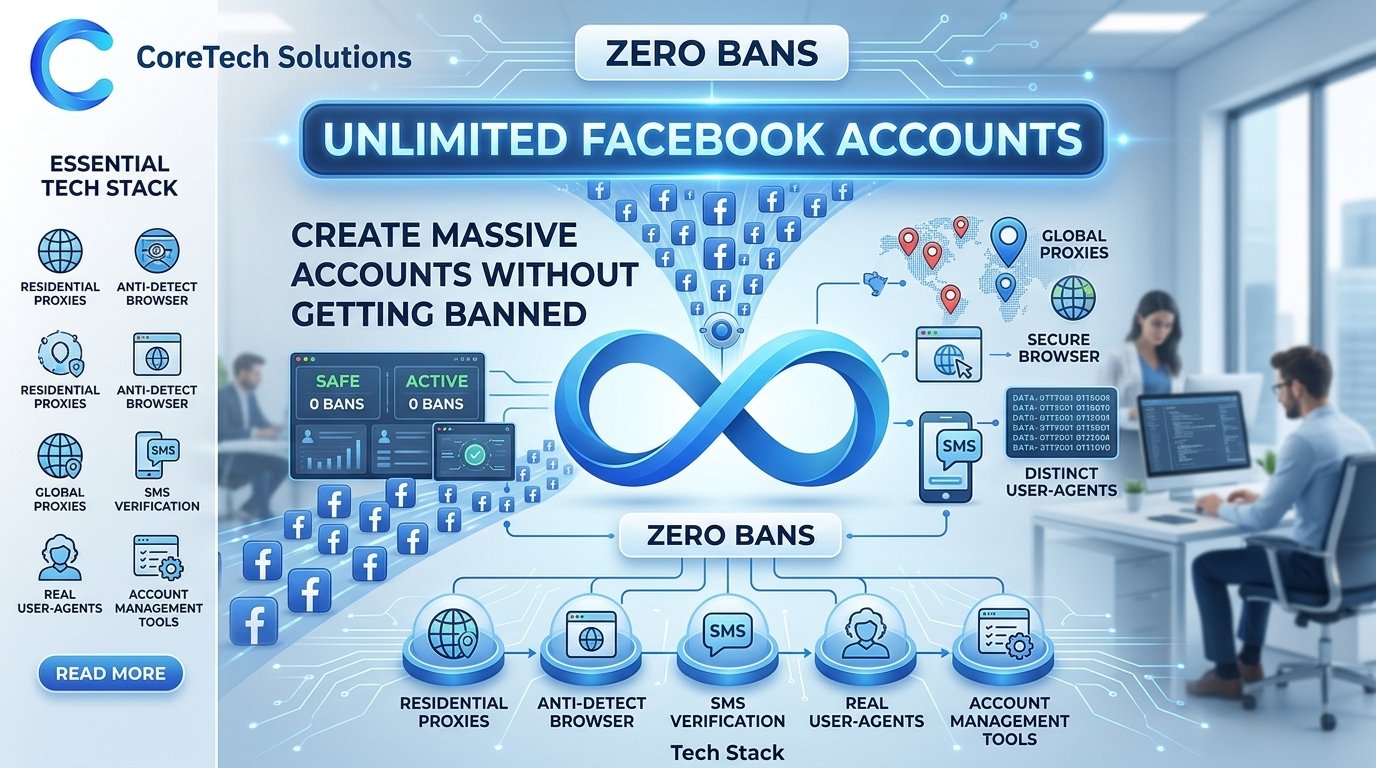
| Component | What It Does | Where to Get It | Cost |
|---|---|---|---|
| Clean Email | One dedicated Gmail or Outlook per account | Create free, or buy aged Gmail accounts | Free or from 8€ |
| Residential Proxy | Unique IP — Facebook’s primary tracking signal | webshare.io | ~$1/proxy |
| Antidetect Browser | Unique device fingerprint per account | hidemyacc.com | From $10/mo |
How to Create Unlimited Facebook Accounts — Step by Step
Every Facebook account needs its own dedicated email address. Gmail and Outlook accounts are free to create — but when you’re scaling to 10, 20, or more Facebook accounts, setting up and managing that many fresh email addresses becomes a significant time cost. Aged Gmail accounts from a specialized source are more reliable and save setup time at scale.
- Create a new Gmail (gmail.com) or Outlook (outlook.com) account — free, one per Facebook account
- Use completely different names and details for each email — variations of the same name across accounts signal a pattern
- Alternatively, buy aged Gmail accounts from coldaccs.com — 2+ years old, registered from different IPs, more trusted than brand-new inboxes
- Never reuse the same email across multiple Facebook accounts — each needs its own dedicated inbox
This is the most critical step. Facebook logs every IP address associated with each account and uses IP data as its primary signal for detecting coordinated account creation. Every account must log in from a unique residential IP — not a shared proxy, not a datacenter IP, and never the same IP as another Facebook account you’re running. The rule is simple: one proxy per account, always.
- Go to webshare.io and select Private Static Residential Proxies
- Buy the exact number of proxies you need — 10 Facebook accounts = 10 proxies, no exceptions
- Choose USA or European IPs depending on your target audience for outreach and advertising
- Static proxies keep the same IP every session — consistency is what makes accounts look legitimate over time
- Never share a proxy between two Facebook accounts — this is the single biggest cause of linked bans
Even with separate proxies, Facebook can link accounts through browser fingerprinting. Your canvas signature, WebGL renderer, screen resolution, installed fonts, and timezone all combine into a device identity that Facebook tracks across sessions and accounts. An antidetect browser creates a completely isolated environment for each account so every login appears to come from a different physical device.
- Get HideMyAcc from hidemyacc.com — start with a free trial to test the setup before committing
- Create one browser profile per Facebook account — label each one clearly by account purpose or client
- Assign the matching residential proxy to each browser profile before any login
- Never open two Facebook accounts from the same browser profile
With your proxy active and browser profile set up, open the HideMyAcc browser profile and sign up to Facebook using the dedicated email you prepared. The account creation will look completely normal to Facebook because it’s coming from a unique residential IP and a unique device fingerprint — exactly what a real new user looks like.
- Open the HideMyAcc browser profile and verify the proxy IP is active before signing up
- Go to facebook.com and create an account using your dedicated email address
- Use a realistic name, profile picture, and basic info — accounts that look like real people last longer
- Complete the signup verification — Facebook will send a code to your email
- Add a profile picture and basic details before anything else — incomplete profiles get flagged faster
- Do not add a phone number immediately after signup — wait until the account has some activity history
After account creation, Facebook registers the new account’s IP address and device environment. That environment needs 48 full hours to settle before any activity begins. This is the step most people skip — and it’s the reason most freshly created accounts get checkpointed or restricted within the first few days. Log in once to confirm the account is active, then close the browser and leave it alone.
- Log in once after signup to confirm the account is live and accessible
- Do not send friend requests, post content, join groups, or send messages
- Do not change privacy settings or add additional account information yet
- Leave the HideMyAcc browser profile open but don’t interact with the account
- Wait the full 48 hours — not 24, not 36 — before any warmup activity begins
After the 48-hour rest, the account is ready for its first activity. Everything at this stage should be manual and natural — the kind of behavior that looks like a real person just starting to use Facebook. Post a few pieces of content, engage with posts in groups relevant to your niche, add a handful of friends, and let the account build a behavioral track record before any automation tools are connected.
- Post 1–2 pieces of natural content — photos, text posts, or shares relevant to your niche
- Join 2–3 Facebook groups relevant to your target audience and engage genuinely
- Like and comment on posts in your feed — real browsing behavior, not mass engagement
- Send 5–10 friend requests to people in your target niche — not mass adds
- Do all of this manually for at least 1–2 weeks before connecting automation tools like messengerflow.com
Skip All of This — Buy Aged Facebook Accounts Instead
The creation method above works well. But it takes time — setting up emails, proxies, browser profiles, waiting 48 hours, warming up for 2 weeks before a single message or ad can go out. If you’re scaling to 10, 20, or more accounts, that’s weeks of setup work before anything productive happens.
The faster, stronger alternative is buying aged Facebook accounts from coldaccs.com. These accounts already have real activity history behind them — established logins, real engagement patterns, genuine behavioral signals that Facebook reads as a legitimate long-standing user. You skip the creation process, skip the 48-hour wait, and skip most of the warmup entirely because the account’s history has already done that work for you.
- Brand new — zero trust history
- Fresh email with no history
- Zero friends and activity at start
- 48-hour wait before any activity
- 2 weeks manual warmup before automation
- Higher early restriction and checkpoint rate
- Lower outreach response rates
- Ad accounts start with low spending limits
- Real account history — months or years old
- Established behavioral signals built in
- Existing activity Facebook already trusts
- Significantly shorter warmup needed
- Start outreach and ads much faster
- Lower restriction and checkpoint rate
- Higher outreach response rates
- Better starting position for ad account scaling
Buy Aged Facebook Accounts from coldaccs.com
Aged Facebook accounts built for outreach and lead generation — with real activity history that Facebook’s systems already recognize as legitimate. Ready for cold outreach campaigns, Facebook group marketing, Marketplace activity, and as the base profile for Facebook Business Managers and ad account setups. Card payment accepted, replacement guarantee included.
- ✓ Verified activity history — not freshly created profiles
- ✓ Ready for outreach, lead generation, and ad account management
- ✓ Bulk orders available for agencies and outreach operators
- ✓ Replacement guarantee and card payment accepted
- ✓ Significantly less warmup required compared to fresh accounts
What to Do with Multiple Facebook Accounts
Cold outreach and lead generation via Messenger
Multiple Facebook accounts let you scale cold outreach through Messenger significantly. Each account can safely handle 25–30 messages per day after a proper warmup. Ten accounts running simultaneously means 250–300 personalized outreach messages daily. Connect automation through messengerflow.com after warmup to manage campaigns across all accounts from one dashboard.
Facebook advertising and Business Manager setup
Aged Facebook accounts are the foundation of any serious Facebook advertising operation. A Business Manager built on an aged, established profile starts with significantly more trust than one built on a fresh account — which translates directly to higher ad spending limits, fewer campaign reviews, and fewer restrictions. If you need Facebook Business Managers specifically, coldaccs.com offers those separately.
Marketplace and group selling
Facebook Marketplace and group-based selling are still highly effective channels for e-commerce and local business marketing. Aged accounts with real activity history can post in Marketplace and participate in buy/sell groups with far fewer restrictions than fresh accounts, which are frequently flagged for Marketplace violations before they ever list a single item.
Group marketing and community building
Facebook groups remain one of the highest-engagement marketing channels on the platform. Multiple aged accounts let you participate genuinely across groups, build presence in niche communities, and reach target audiences through organic group activity rather than paid placement — with each account covering a different set of groups or niches.
The Rules That Keep Every Account Safe
Never put 2 Facebook accounts on the same proxy
Facebook links accounts that share IP addresses. If one account gets flagged, every account on that IP is at risk simultaneously. One proxy per account — always. Ten accounts means ten proxies — no sharing, no exceptions, not even temporarily.
Never log into two accounts from the same browser profile
Even with different proxies, sharing a browser profile creates shared canvas, WebGL, and font fingerprint signals that Facebook uses to link accounts. One browser profile per account in HideMyAcc — this is non-negotiable regardless of how many accounts you’re running.
Never skip the 48-hour rest after creation or first login
The 48-hour rest after account creation — and after connecting an existing account to a new proxy and browser environment — is non-negotiable. Facebook needs time to register the new environment as normal before any activity begins. Skipping this step is the most consistent cause of early account checkpoints and restrictions.
Never connect automation before manual warmup is complete
After the 48-hour rest, accounts need 1–2 weeks of manual activity before any automation tool is connected. Connecting automation immediately after creation — even to a well-aged account in a new environment — significantly increases restriction risk. Build the behavioral baseline manually first.
Run everything from a VPS for consistency
A personal laptop changes networks, goes offline, and shares its environment with everything else you do. A VPS from petrosky.io runs all your browser profiles 24/7 from a stable, consistent environment — which Facebook reads as the kind of steady usage pattern that legitimate accounts produce over time.
Create Smart, Scale Fast, or Buy Aged
The DIY method gives you full control and works well when you have time. Aged accounts from coldaccs.com skip weeks of setup and give you accounts that are already trusted by Facebook’s systems — ready for outreach, ads, Marketplace, and group marketing immediately.
Buy Aged Facebook Accounts →Real activity history · Ready for outreach and ads · Bulk orders · Replacement guarantee · Card payment
Frequently Asked Questions
Each account needs its own dedicated email, its own residential proxy from webshare.io, and its own isolated browser profile in HideMyAcc. Never share any of these between accounts. After creating each account, wait 48 hours before any activity. This isolation prevents Facebook from linking accounts together — which is the root cause of most multi-account bans.
One proxy per Facebook account — no exceptions. Ten accounts need ten proxies. Twenty accounts need twenty proxies. Get Private Static Residential Proxies from webshare.io at approximately $1 per proxy. Never put two Facebook accounts on the same IP address — this is the single most common cause of linked account bans.
When a new Facebook account is created from a specific IP and device environment, Facebook’s systems register that environment and evaluate whether it looks like a real user. The 48-hour rest allows the new environment to be recognized as normal before any activity begins. Accounts that post, friend-request, or message immediately after creation trigger automated detection regardless of how legitimate the content is.
coldaccs.com specializes in aged Facebook accounts built for outreach and lead generation. Accounts have real activity history that Facebook already recognizes as legitimate, are ready for Messenger outreach, group marketing, Marketplace activity, and ad account management. Bulk orders are available, card payment is accepted, and a replacement guarantee is included.
Yes — aged Facebook accounts are significantly better for advertising than fresh ones. A Business Manager built on an aged profile starts with more trust from Meta’s systems, which means higher starting ad spend limits, fewer campaign reviews, and fewer restrictions. If you need a verified Facebook Business Manager specifically, coldaccs.com offers those as a separate product starting from 80€ one-time.
Yes — coldaccs.com supports bulk orders for agencies and outreach operators. For bulk purchases, stagger your warmup start dates so each account is at a different stage of the warmup process. Assign each account its own proxy and browser profile, and activate 2–3 accounts per week rather than all at once.
A fresh account starts with zero history — no friends, no posts, no activity, no behavioral signals for Facebook to evaluate. It faces strict limits from day one, gets checkpointed frequently, and takes weeks of careful warmup before it can handle any real outreach or advertising volume. An aged Facebook account already has the activity history and behavioral patterns that Facebook treats as a trusted, established user — which means fewer restrictions and faster path to productive use.
Practically yes — for anything beyond 2–3 accounts. A VPS from petrosky.io runs all your browser profiles 24/7 from a stable, consistent environment completely separate from your personal machine. Without a VPS, accounts go offline when your laptop does, your personal IP environment gets mixed in, and behavioral consistency — which Facebook specifically monitors — becomes impossible to maintain at scale.